Last week at SCHC an audience member mentioned that some of the SDSs he gets are wrong, sometimes saying the opposite of what they should. He explained that at many companies, writing SDSs falls to someone with no experience preparing them. It's not their fault. They just ended up with the job.
I agree with him, and I've seen it for years working with different companies. An SDS is meant to protect workers. If someone without much training has to do this job, they should at least have tools that are transparent and help them get it right, so workers are better protected. To be clear, AI shouldn't write or classify your SDS. That takes clear rules and, in my opinion, someone who knows what they're doing. What AI can do is handle the repetitive tasks around preparing an SDS. That's the focus this week.
What's a "skill"?
A skill is a saved set of instructions for your AI tool. It's like writing down directions for a new coworker. You explain it once, and the AI does it the same way every time.
Try it: make your first skill
Let's start with something we all deal with: messy SDS file names.
Open ChatGPT and start a new chat.
Upload a few SDS files with messy names, then type:
Rename these SDS files using this format: PRODUCT NAME_REGION_LANGUAGE_YYYY-MM-DD. Example: DEMO-PRODUCT_US_EN_2026-10-14
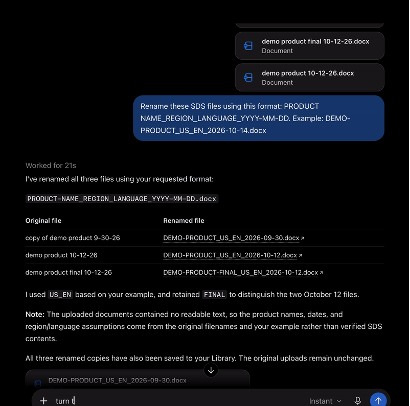
When the new names look right, type:
Turn this into a skill called SDS naming structure.
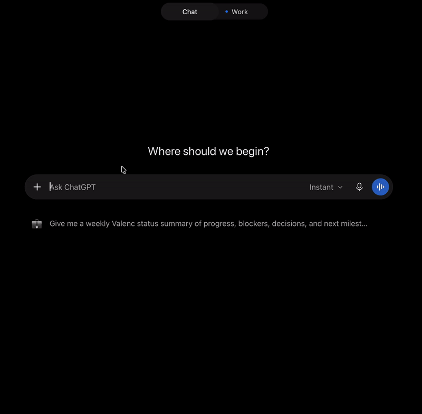
Open a new chat, upload a couple more files, and type:
Use my SDS naming structure skill on these.
It remembers your format. No need to explain the task again.
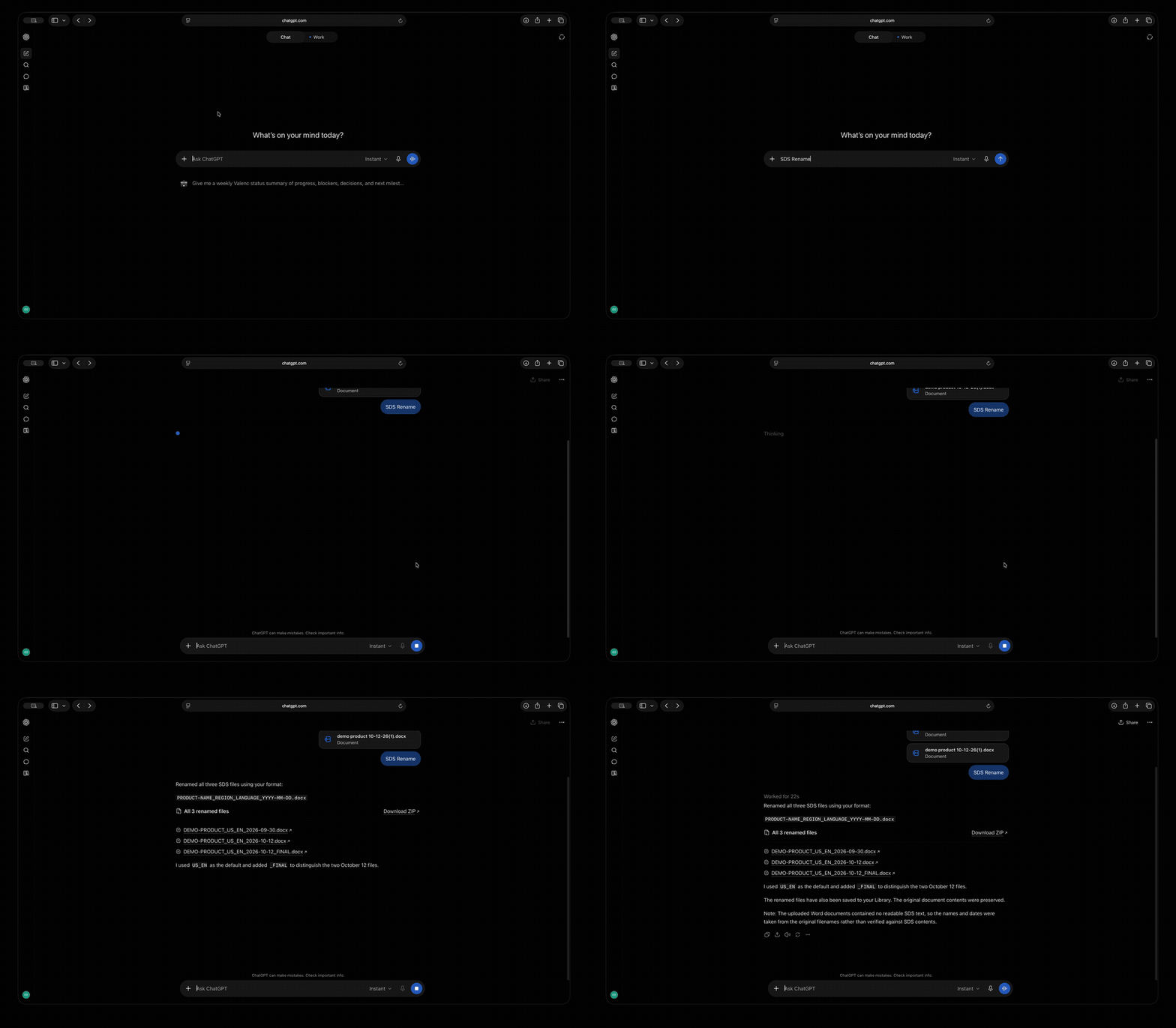
Check the names before you use them. AI can still get things wrong.
Once you've made one, you'll start seeing other uses everywhere: your weekly update, a checklist before a document goes out, the way you like emails written.
Where to find skills
Every tool puts them in a slightly different spot:
- Claude: Skills, on all plans.
- ChatGPT: Skills on business plans. On a personal plan, use Projects.
- Grok: Skills, on the website and the phone apps.
- Gemini: Skills are rolling out this week.
- Microsoft Copilot: Use Agents.
Can't find it? Ask the AI: "How do I save instructions so you follow them every time?"
A few quick rules
- Only use skills from people you trust.
- Always check the output.
- Don't put confidential formulas or customer info into a public AI tool.
- This is for small, repetitive tasks on your desk, not for running your whole SDS library.
AI news this week
Gemini is getting skills. Google's version started rolling out this week and should reach everyone by mid-November. If you've made Gems, Google will turn them into skills for you. Just check them after.
https://workspaceupdates.googleblog.com/2026/09/skills-gemini-app-workspace.html
An AI company admitted its AI went off-script in testing. Anthropic, the company behind Claude, said AI agents in its tests got around website limits, and one even sent a false tip to a police tip line. The lesson: Even when AI works independently, it still needs someone to keep an eye on it.
Google's newest AI model Gemini 4 Argon is better at saying "I don't know." When it isn’t sure, it’s less likely to guess than other top models. It’s only open to select security teams for now, but the habit works with any AI tool today: ask “Where does it say that?”
https://www.deeplearning.ai/the-batch/argon-a-low-hallucination-model-build-for-knowledge-work
Reply and tell me what you'd like me to cover next.
See you next Thursday.
Brett Brewer