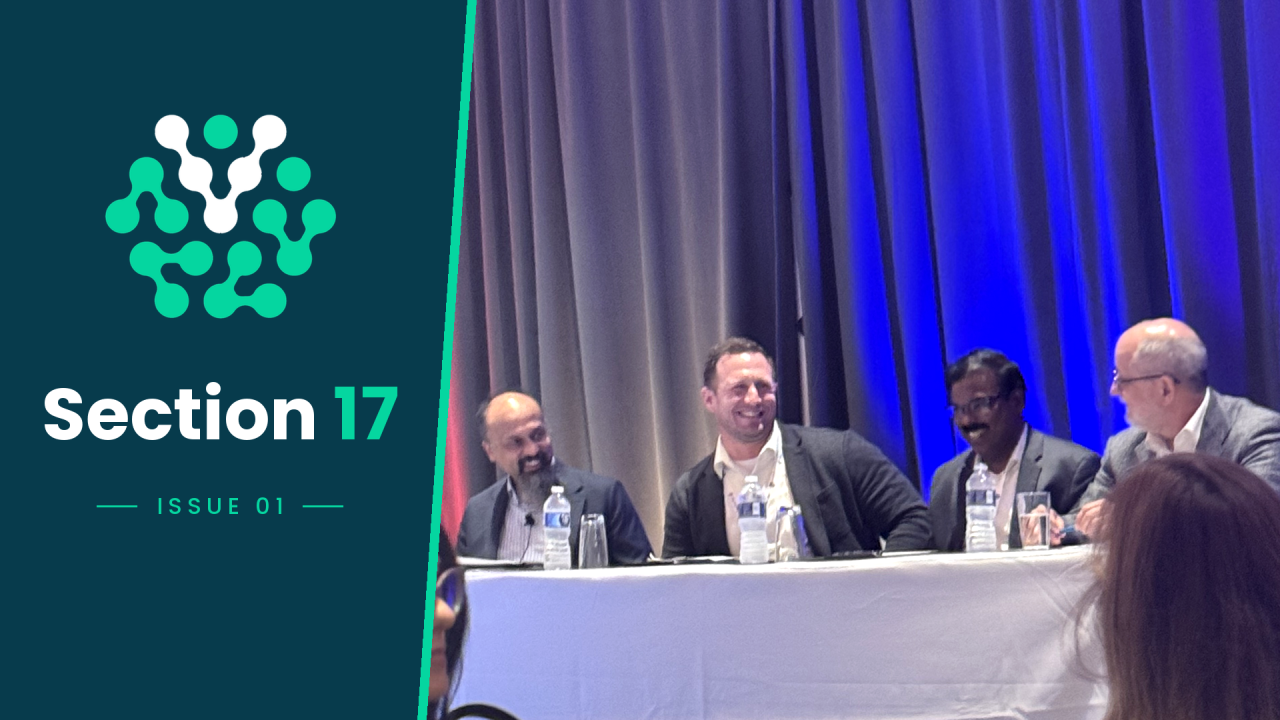
This week, a member of the audience in a panel I was on made a comment that software has taken away some of the art of writing an SDS, and that AI might make things even worse if it ends up doing everything.
An SDS usually ends at Section 16. Think of this newsletter as your extra section.
Section 17, Issue 1. This weekly guide is for chemical product stewards. Each issue gives you a practical way to use AI and highlights the most useful AI news.
This conversation happened at SCHC this week, where I spoke on an AI panel. The person who shared this view felt strongly about it.
After the panel, I spoke with him. At first, the conversation felt a bit tense. I’ve worked in this industry for 12 years, but I hadn’t really seen things from his perspective before. His concern made sense. If people rely too much on software or AI, they might stop double-checking the results, and that’s when important details can be missed and this creates a risk for companies and workers.
By the end of our conversation, we didn’t fully agree, but we understood each other better. I see AI as a powerful tool, but I don’t think it should ever write an SDS on its own. Classification should be based on rules that always give the same answer, not just a model’s best guess. An experienced person still needs to review the work.
I also believe that those of us who build software should be more transparent. If a tool shows how it reached a classification and which rule it used, people can understand the regulation and check the work, instead of just clicking a button without thinking. The skill of calculating mixtures and writing an SDS still matters. I just think AI can help make the process better.
That’s what this newsletter is all about: using AI as a tool to help you do your job well, not to replace experts. Every Thursday, you’ll get one simple AI tip for your workday and the most important AI news, explained in plain language.
Try this: Turn dense regulatory text into plain English.
We’ve all had to reread the same regulatory text over and over. Here’s a quick way to get started.
Open a free AI chat tool in your browser, like ChatGPT (chatgpt.com), Claude (claude.ai), Gemini (gemini.google.com), or Grok (grok.com). Sign up if you need to.
Copy a paragraph such as a part of a regulation or a section from a supplier SDS that’s already public.
Paste the following prompt into the chat box, then add your chosen text where it says to.
Explain the text below in plain English, as if you're talking to a new coworker. Keep your answer under 150 words. List any required actions and any dates mentioned. If something isn't clear, say so instead of guessing.
[paste your text here]
Compare the answer to the original text. If something doesn’t match, ask a follow-up question, such as, "Where in the text does it say that?"
One rule: Always treat the answer as a first draft and review it. Never paste confidential formulas or customer data into a public tool.
AI news this week
Microsoft Copilot will be able to see files on your PC (Microsoft, Oct 7, 2026) On Copilot+ PCs, which are Windows computers with a built-in AI chip, Microsoft says Copilot will be able to use files on your computer, with your permission, and do tasks for you. These features should start rolling out over the next few months. Why this matters: If you keep your SDS drafts on your laptop, it’s a good idea to ask IT what Copilot will be able to access. https://blogs.windows.com/windowsexperience/2026/10/07/building-windows-for-hybrid-intelligence/
ChatGPT gets a big upgrade (OpenAI, Oct 7, 2026) ChatGPT’s everyday chat now runs on GPT-6. OpenAI released its first GPT-6 models to paid customers last month, and this new GPT-6 model is for everyone who uses ChatGPT. It starts rolling out to paid plans on Oct 7 and to Free and Go plans on Oct 8. Answers can now include charts, buttons, and small interactive tools. Why this matters: You can ask ChatGPT to turn a comparison into a table or chart, such as two suppliers’ public SDSs for the same material, or two versions of a regulation. It’s still a first draft, so check it against the originals. https://openai.com/index/gpt-6-for-everyone/
Anthropic releases a faster, cheaper Claude (Anthropic, Oct 7, 2026) Claude Haiku 5.5 is Anthropic’s new small model, made for quick tasks like summaries. Anthropic says it costs about 75% less to run than the previous version. Why this matters: Many software tools use models like this in the background, so summarizing documents is becoming faster and cheaper. https://www.anthropic.com/claude-haiku-5-5
Reply and let me know how you’re using AI in your SDS work, or what you’d like me to cover.
See you next Thursday.
Brett Brewer, founder and CEO of Valenc